
Download Minecraft Education – Game-Based Learning, Coding, Collaboration
Overview
Minecraft Education is a specialized adaptation of the popular sandbox game, designed specifically for classroom and educational environments. It transforms traditional learning into dynamic, interactive experiences by leveraging the creative and exploratory nature of Minecraft. The app enables students to engage with subjects such as science, math, history, and computer programming through hands-on, project-based activities.
By integrating real-world concepts into immersive digital worlds, Minecraft Education helps learners develop critical skills including problem-solving, collaboration, and digital literacy. The platform is especially valuable in STEM and humanities education, where experiential learning leads to deeper understanding and retention. Designed with educators in mind, it supports lesson planning, classroom management, and student assessment through integrated tools.
The developer, Mojang Studios, has built a reputation for creating innovative, player-driven experiences, and this version extends that vision into academic settings. Although the developer did not provide additional technical details, the app's global adoption in schools suggests strong reliability and pedagogical value. Real-world use cases include virtual field trips, coding challenges, and historical reenactments, making it a versatile tool across grade levels and subject areas.
Key Features & Functionality
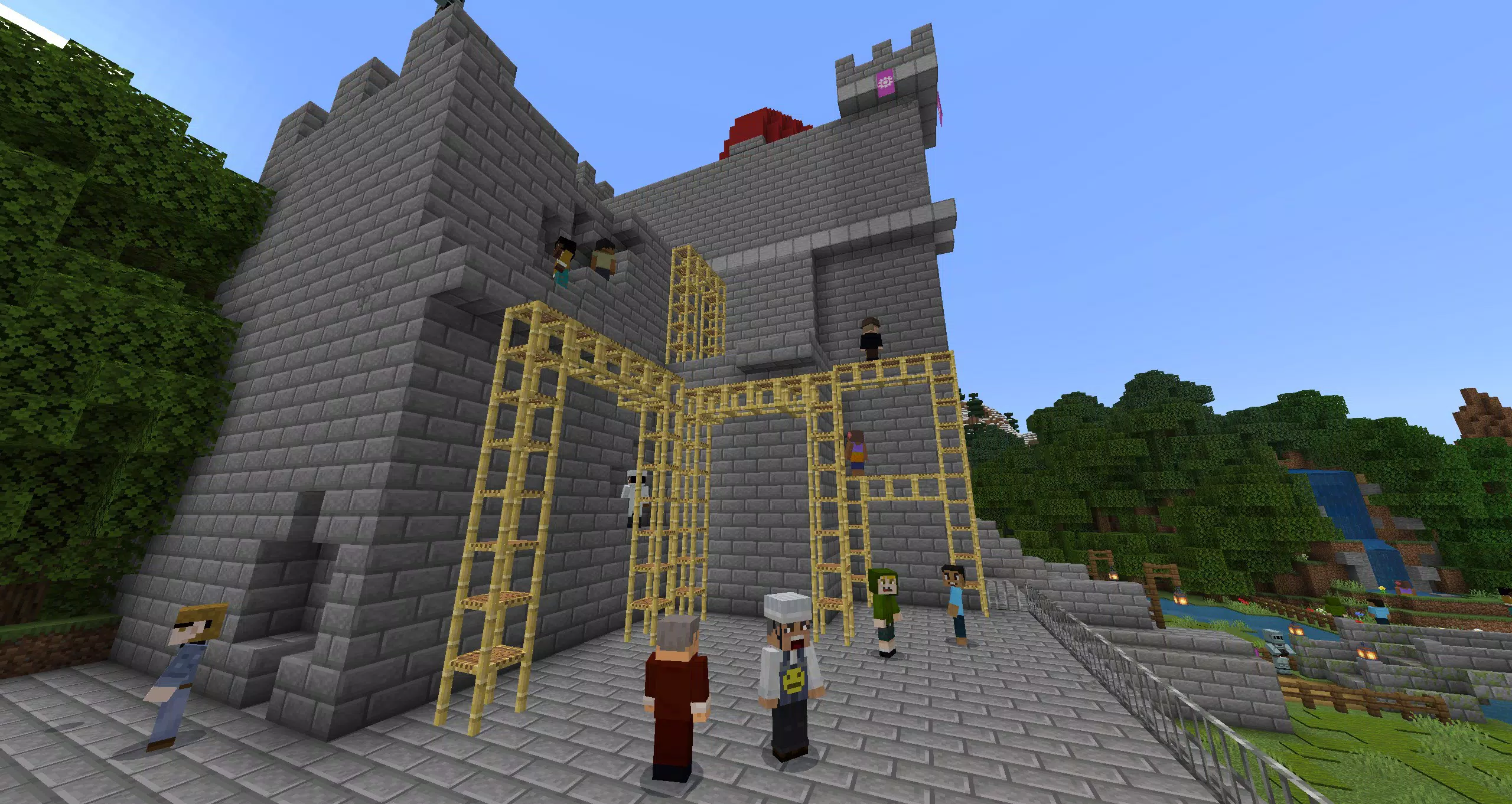
- Multiplayer Collaboration: Students can work together in real time across different devices and platforms, fostering teamwork and communication. This feature is ideal for group projects, where learners co-create structures, solve puzzles, or simulate real-world scenarios like city planning or environmental modeling.
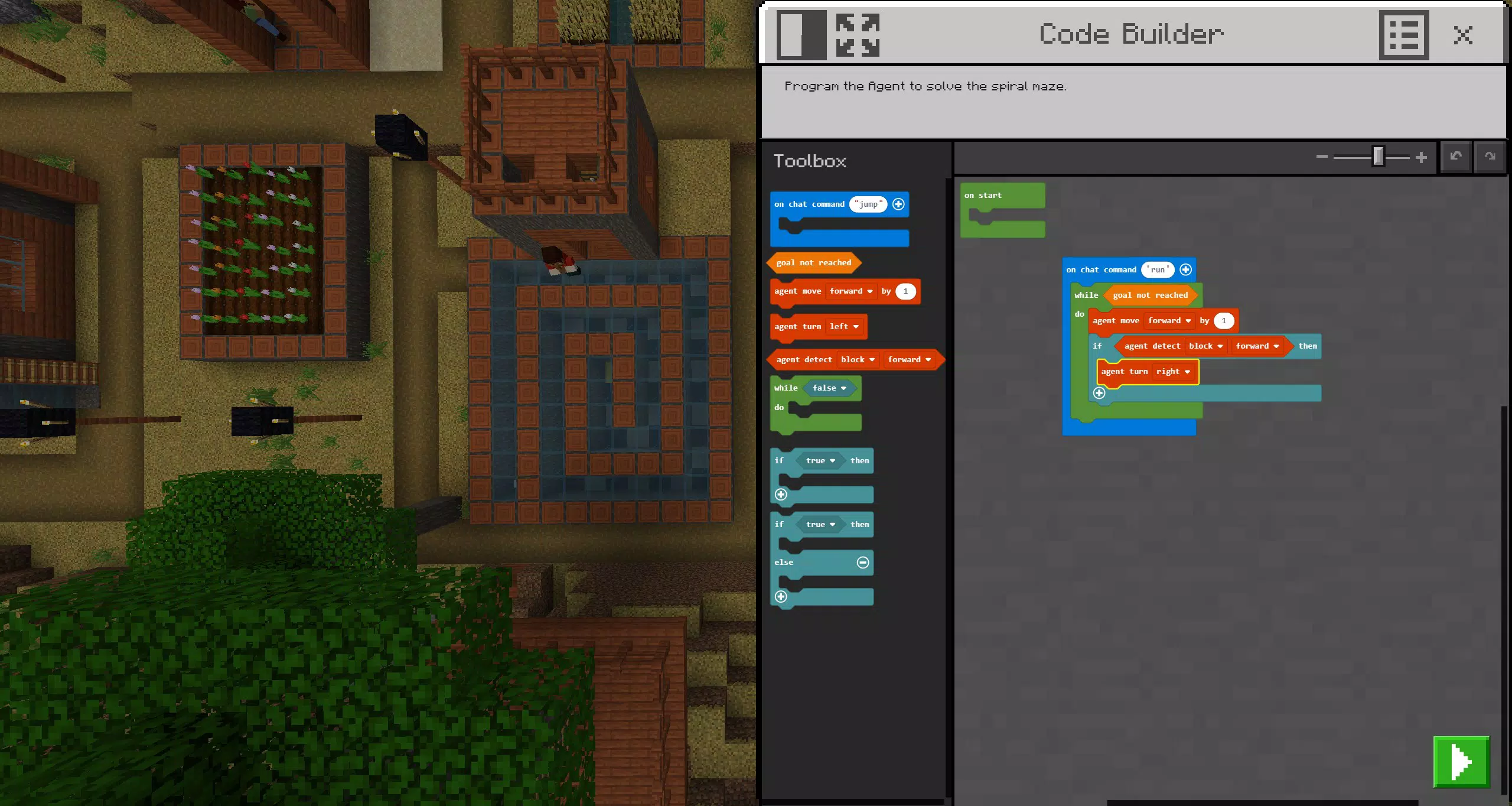
- Code Builder Tool: The integrated coding environment supports block-based programming, JavaScript, and Python. Learners can write code directly within the game to control characters, automate tasks, or build interactive systems, making abstract programming concepts tangible and engaging.
- Immersive Reader Support: This feature assists with reading comprehension and language acquisition by offering text-to-speech, translation, and simplified reading modes. It supports diverse learners, including those with dyslexia or non-native language speakers, ensuring inclusive access to in-game content.
- Documentation Tools: The Camera and Book & Quill allow students to capture screenshots, record videos, and write reflections on their projects. These tools help students document their creative process, enabling teachers to assess learning outcomes and provide targeted feedback.
- Integrated with Microsoft Teams: Seamless connectivity with Microsoft Teams and Flipgrid allows educators to assign tasks, monitor progress, and collect student work. This integration streamlines classroom workflows and strengthens digital communication between teachers, students, and parents.
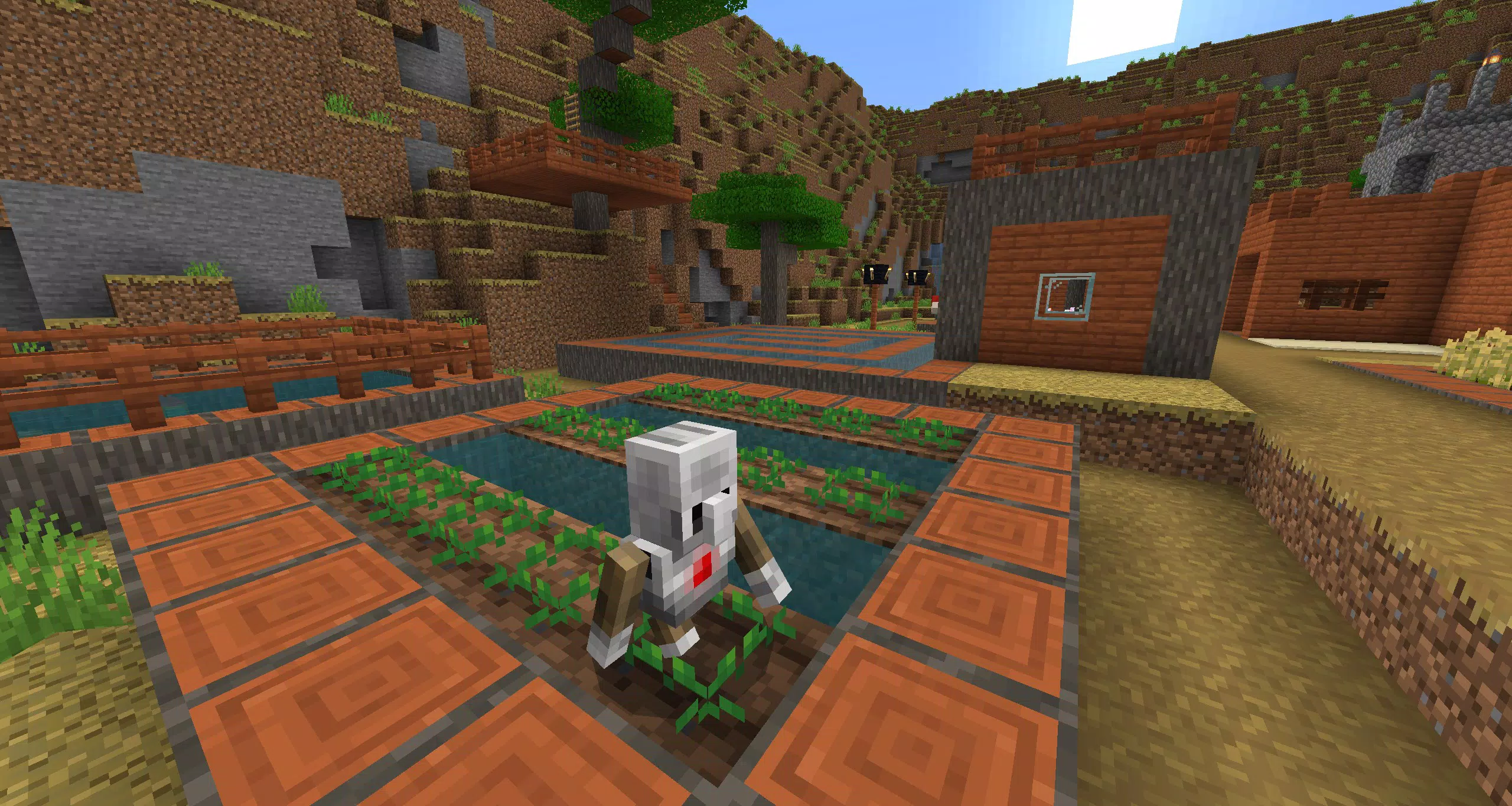
Each feature is designed to enhance both learning and teaching. For example, a history class might use the Camera to document a recreated ancient civilization, while a coding class uses the Code Builder to program a robot to navigate a maze. These tools turn passive learning into active exploration, promoting deeper engagement and skill development.
Interface, UX & Performance
The interface of Minecraft Education retains the familiar blocky aesthetic of the original game, ensuring ease of use for students already familiar with the franchise. Navigation is intuitive, with clearly labeled menus and accessible tools that are designed to minimize distractions. The user experience prioritizes educational goals over entertainment, with features organized in a logical flow that supports lesson progression.
Although the developer did not list formal performance metrics, the app is optimized for use in school environments with varying device capabilities. It maintains stable performance across tablets, laptops, and desktops, with responsive controls and minimal lag during collaborative sessions. The visual style remains consistent, with adjustable display settings to accommodate different screen sizes and accessibility needs.
The app’s stability is evident in its widespread deployment across educational institutions, suggesting reliable operation under real-world conditions. However, specific requirements were not listed, so users should verify compatibility with their school’s IT infrastructure before installation.
Platform Compatibility & Technical Requirements
Minecraft Education is available on multiple platforms, including Windows, macOS, and select tablets, supporting both Android and iOS devices. The app is compatible with the latest versions of these operating systems, though the developer did not specify minimum OS requirements. The file size is approximately 1.5 GB, which may require sufficient storage space for installation.
While the app is designed for classroom use, it is optimized for use on devices commonly found in educational settings, such as Chromebooks, iPads, and Windows 10/11 machines. The developer did not fully disclose compatibility details, so users should consult their institution’s IT department for device-specific guidance. The app supports cross-platform multiplayer, allowing students to collaborate regardless of device type, which enhances accessibility and inclusivity in mixed-device classrooms.
Pros and Cons
Pros
- Encourages active, hands-on learning through immersive gameplay
- Supports diverse learning styles with accessibility tools like Immersive Reader
- Offers integrated coding education via Code Builder for multiple programming languages
- Facilitates collaboration across devices and classrooms
- Seamlessly connects with Microsoft Teams for classroom management and assessment
Cons
- Requires institutional licensing; not available for individual purchase
- May demand significant device storage and processing power
- Dependent on school IT infrastructure for full functionality
- Not available as a standalone consumer app
- Limited customization options for non-educational users
FAQ
Is Minecraft Education free for schools?
Yes, Minecraft Education is available at no cost to qualifying educational institutions through licensing agreements. Schools must register to access the platform.
Can I install Minecraft Education on my personal device?
While the app is available on personal devices, it is primarily designed for classroom use and requires a school or district license to activate full features.
Is Minecraft Education safe for students?
Yes, the app includes robust safety features, including teacher controls, restricted chat, and monitoring tools, making it suitable for younger learners in supervised environments.
Does Minecraft Education support offline use?
Yes, the app can be used offline, though some features like multiplayer collaboration and integration with Microsoft Teams require an internet connection.
How often is Minecraft Education updated?
Regular updates are released to improve functionality, add new content, and enhance security. Schools receive updates automatically through their institutional accounts.
Final Thoughts
Minecraft Education stands out as a powerful tool that redefines how students learn in the digital age. By blending creativity, collaboration, and coding within a familiar gaming environment, it makes complex subjects more accessible and enjoyable. Teachers benefit from built-in tools that simplify lesson delivery and assessment, while students gain practical skills that extend beyond the classroom.
The app is ideal for educators seeking to implement project-based learning, promote digital citizenship, and prepare students for future careers in technology and design. Its integration with Microsoft’s ecosystem ensures a seamless experience within modern school systems. While not available for individual download, its value in educational institutions is undeniable.
For schools committed to innovative teaching, Minecraft Education is a transformative resource. Download Minecraft Education now.


